고객 서비스

판매자들은 가입하면 더 많은 혜택을 누릴 수 있습니다.

모든 주문 무료 배송.

하드디스크

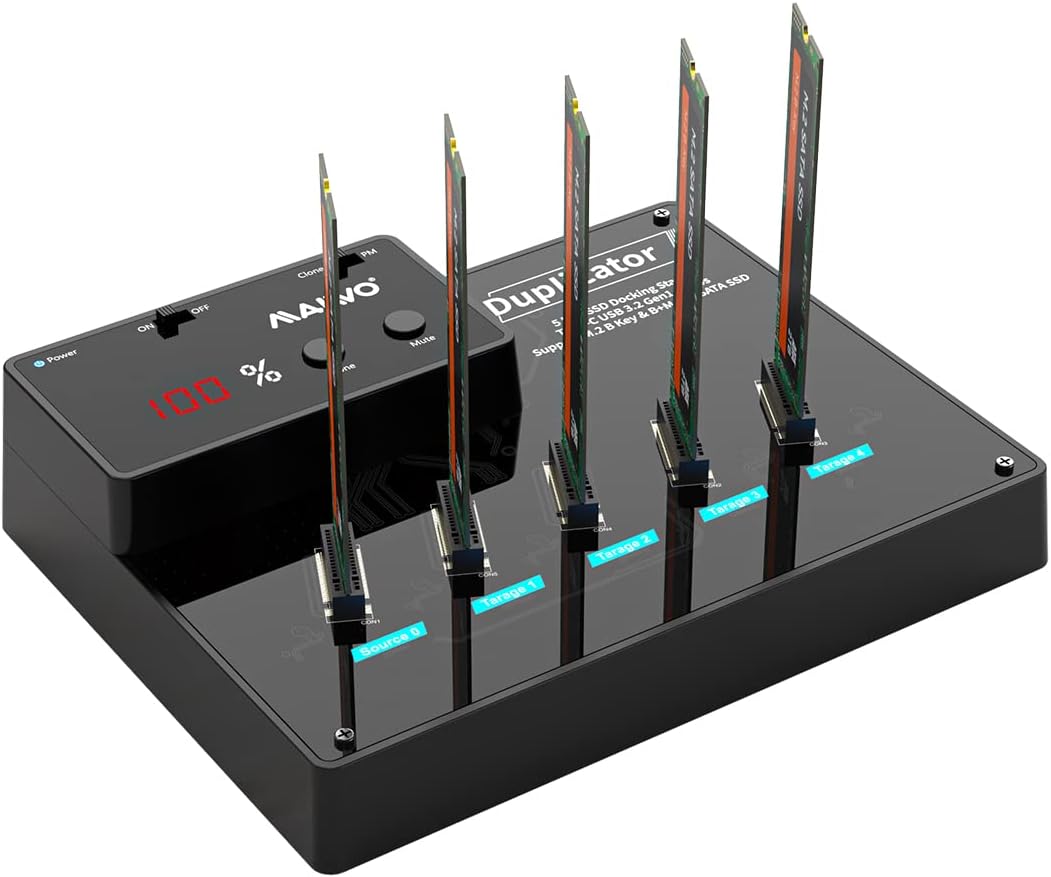
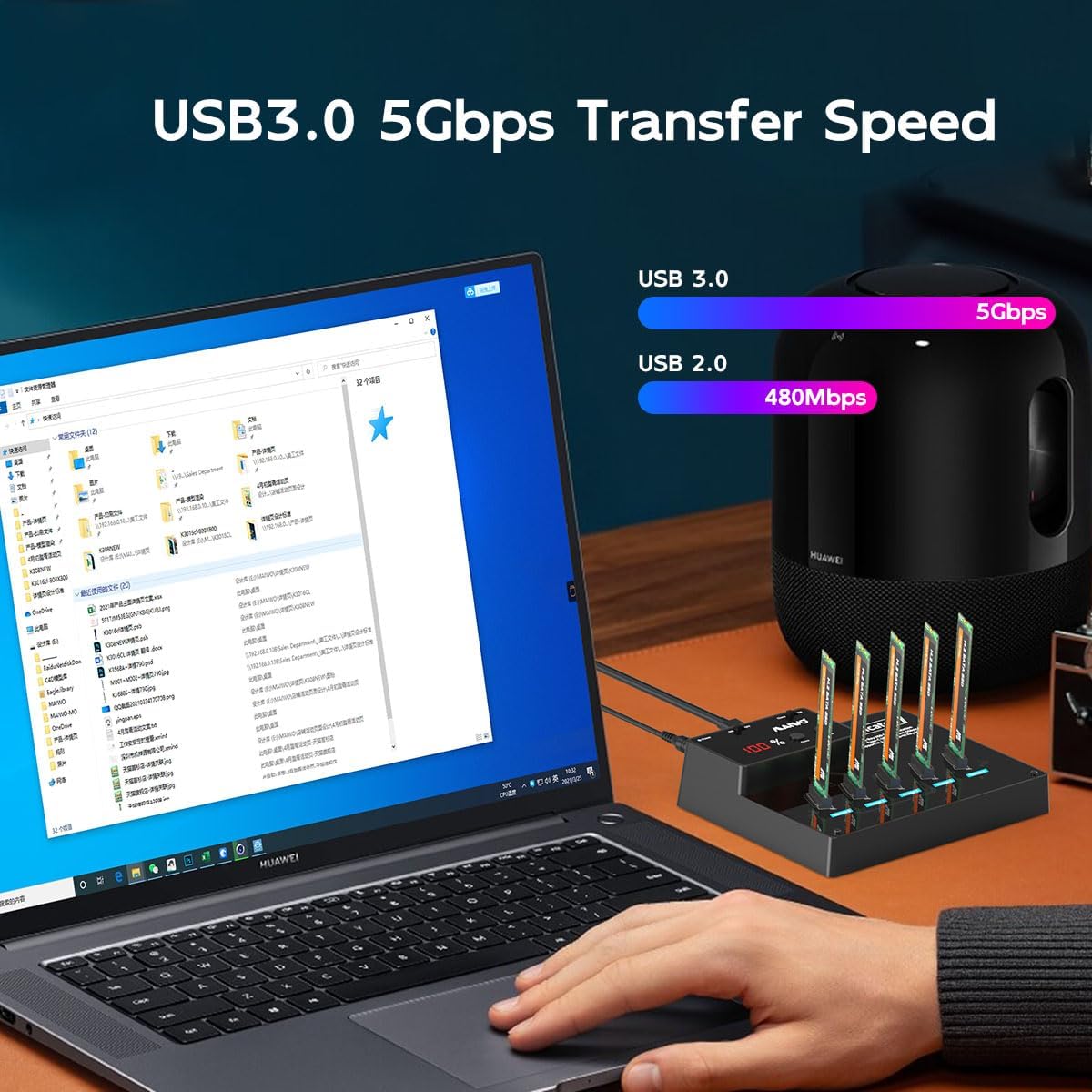
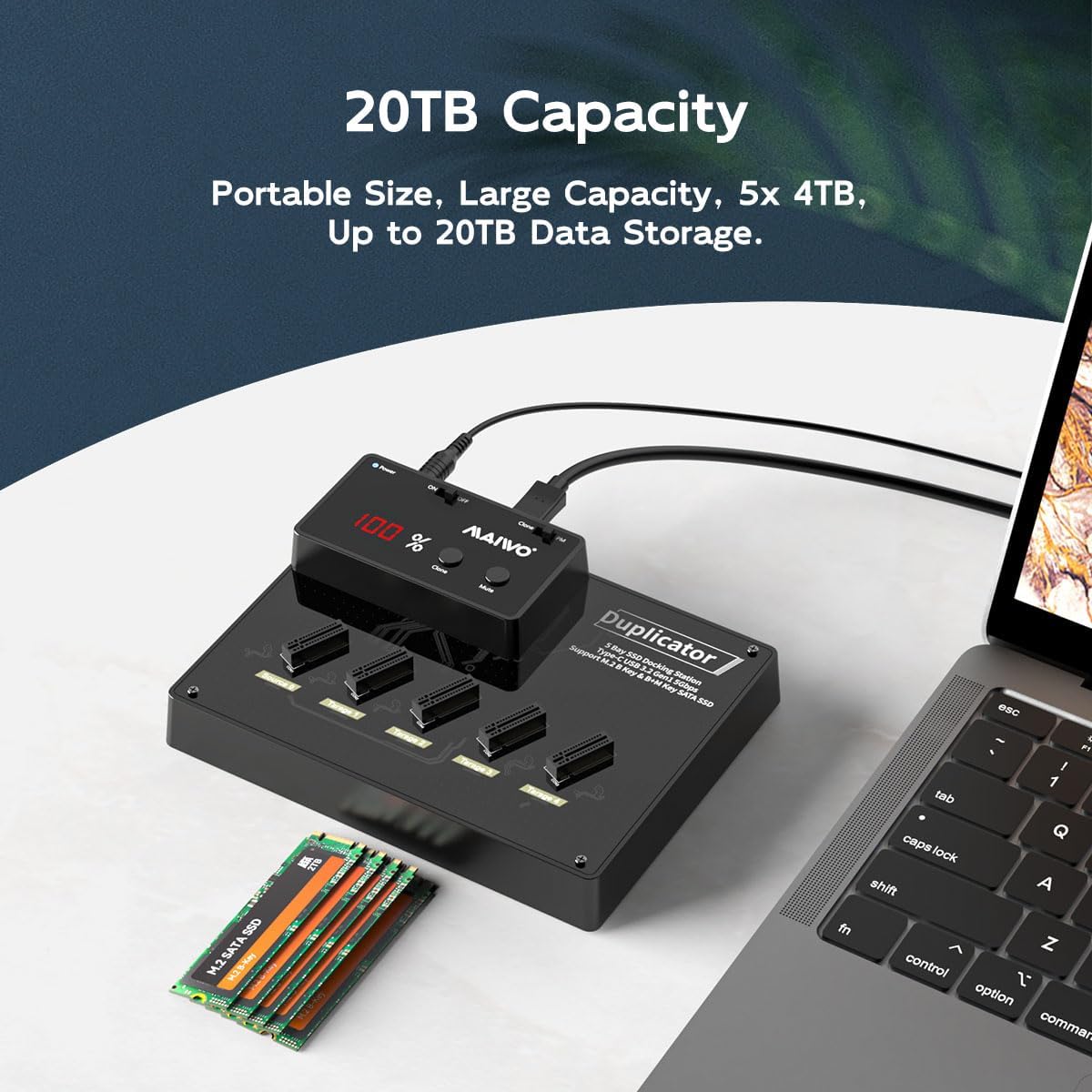
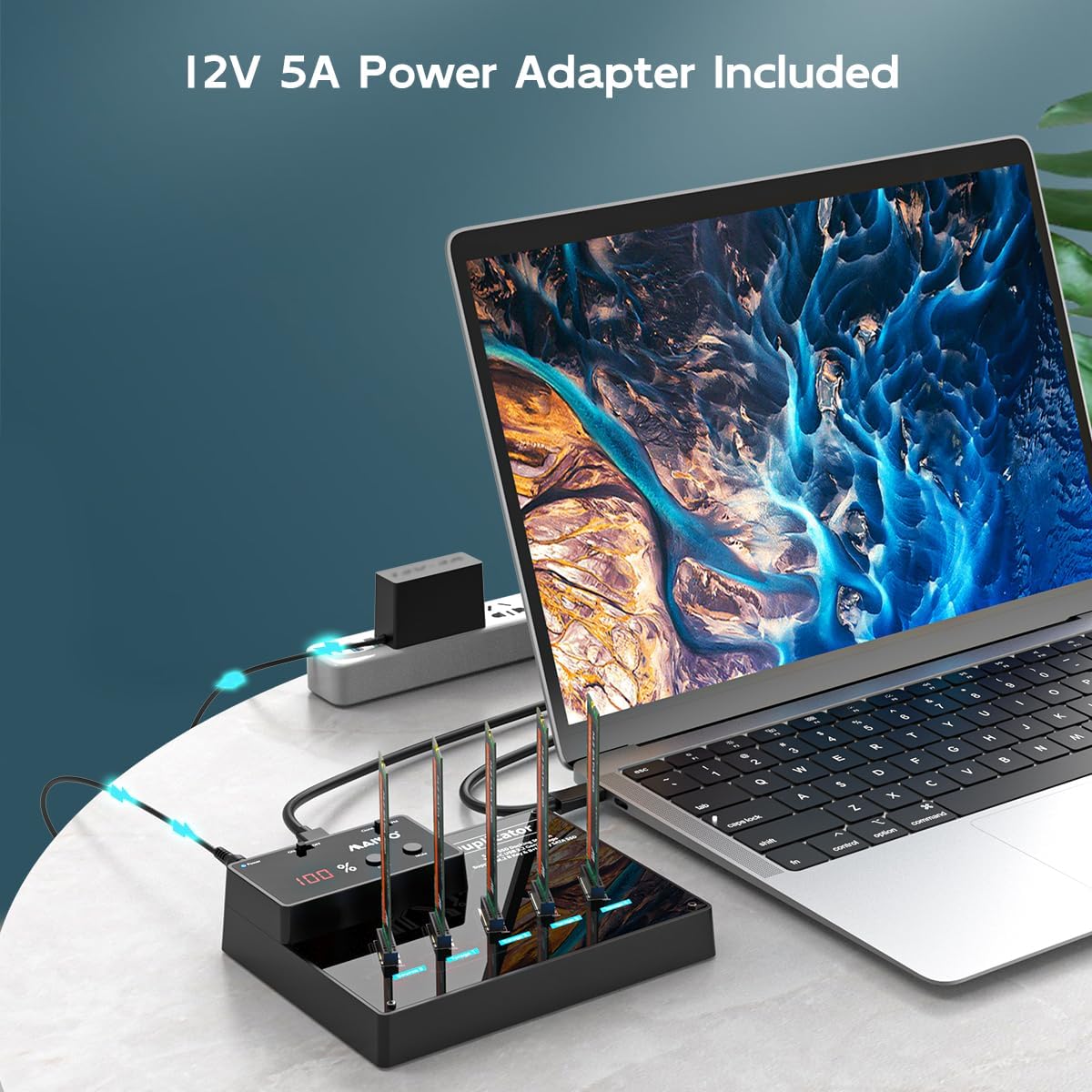
MAIWO M.2 SATA SSD Cloner Duplicator with SATAIII Chipset, USB 3.0 to M.2 SATA B+M Key Adapter 5 Bay Docking Station, 20TB Capacity (DO NOT Support NVME SSD)

4.20

지난 32시간 동안 판매됨 35

$ 94.04
$ 95.00
-1.02%

Did the job and easy! Was the first time using something like this, and the ability to use and copy without being connected to a computer was so worth buying. I copied a 512 gb to a 1tb and was done in no time!

20 현재 누군가가 웹사이트를 탐색 중입니다.

Model
2 Bay - M.2 NVMe SATA - Clone M.2 NVMe 4 Bay (Clone) 5 Bay - M.2 SATA - Clone M.2 NVMe 2 Bay (Clone)
수량:
- +

예상 배송 시간: 12~26일(국제), 3~6일(미국)

구매일로부터 45일 이내에 반품이 가능합니다. 관세 및 세금은 환불되지 않습니다.

  • ASIN:

    B0BZCM521H

  • BEST_SELLERS_RANK:

    #72 in Hard Drive Docking Stations

  • CUSTOMER_REVIEWS:

    4.2 4.2 out of 5 stars (159) 4.2 out of 5 stars

  • DATE_FIRST_AVAILABLE:

    March 22, 2023

  • ITEM_MODEL_NUMBER:

    5 Bay - M.2 SATA - Clone

  • ITEM_WEIGHT:

    10.6 ounces

  • MANUFACTURER:

    MAIWO

  • PRODUCT_DIMENSIONS:

    6.42 x 4.92 x 1.5 inches

안전한 결제를 보장하세요

제품 상세 정보
Insert drive and connect the enclosure to PC. Computer----Manage---Disk Management---find new disk and initialize (NOTE: Please choose MBR if the capacity of your disk is less than 2TB, choose GPT if larger than 2TB.) New disk will become “Disk 1” after initialization, right click “Disk 1” and choose “New Simple Volume” to do partition, choose the capacity you need and choose “Formatting”. Founded in 2005, MAIWO is dedicated to designing and manufacturing innovative data storage solutions such as External Portable SSD, HDD Enclosure, Docking Station, Duplicator and USB Hub with the mission of helping users "Enjoy Digital Life." The company specializes in creating simple, user-friendly, and high-performance computer peripherals, offering consumers reliable, efficient, and seamless solutions for managing and storing their data.
고객 리뷰
4.20

(100 점수)

5
10
4
5
3
6
2
10
1
69
댓글 취소
댓글을 남겨주세요

26 논평

No conviene para NVMes de alta capacidad
2026-02-02    -Anónimo

The media could not be loaded. Lo usé para clonar un NVMe de 4TB (como se ve en el video) y me parece que tomó cerca de 4hrs! Yo diría que la tasa de transferencia (en tiempo) es de 1TB = 1hr (aprox.). El otro punto negativo: ¡No hay manera de disipar el calor! Tu NVMe se va a calentar excesivamente.Por todo esto, al menos que no tengas opción ni un convertidor NVMe a USB (con disipador) ¡no lo recomendaría! Se tarda muchísimo, y se calientan mucho los NVMes.Honestamente, lo mejor es clonar por SW. Yo les recomiendo Clonezilla. Se puede instalar en Linux o lo tienen en versión de Sistema Operativo, con el cual puedes ponerlo en una USB y bootear desde ahí para tener ambos NVMes conectados directo a tu MO (o por USB).P.D. ¿Funciona? Sí, te escribo desde el SO que cloné con esta herramienta, pero que me tuve que aventar dos películas para esperar a que terminara y ponerle unas placas de metal para disipar el calor.No lo recomendaría a un amigo (2/5)⭐⭐⭐

A friend at work asked me to clone his m.2 SSD for his Asus gaming unit so he could utilize a bigger one than the included 512GB.Worked like a charm. Had the 512GB coppied to a 2TB drive in under 15 minutes.One thing to note, as this is a bit to bit transfer. So once he installed the new HDD into his gaming unit, he needed to expand the partition to allow him to access the additional storage space.

Works fast and the way it should
2026-03-02    -Steven Kelly

Press power, hold the clone button in front, when it begins to flash release clone the quickly press clone againIt cloned a 512gb nvme to a 4tb nvme with no issuesSometimes I had issues of booting the first time, no issues here

A friend at work asked me to clone his m.2 SSD for his Asus gaming unit so he could utilize a bigger one than the included 512GB.Worked like a charm. Had the 512GB coppied to a 2TB drive in under 15 minutes.One thing to note, as this is a bit to bit transfer. So once he installed the new HDD into his gaming unit, he needed to expand the partition to allow him to access the additional storage space.

5.0 out of 5 stars Fast, simple.
2026-01-10    -R. Crook

The advance of technology is epitomized in this m.2 clone device. Add the emailed advice from the seller and the overall simplicity, let alone the speed of the actual cloning, and you have a cloned HD in a jiffy. (256gb to 2tb.) Now following on from the actual cloning get a partition manager software to utilize the extra space (EaseUS $20).

No conviene para NVMes de alta capacidad
2026-02-24    -Anónimo

The media could not be loaded. Lo usé para clonar un NVMe de 4TB (como se ve en el video) y me parece que tomó cerca de 4hrs! Yo diría que la tasa de transferencia (en tiempo) es de 1TB = 1hr (aprox.). El otro punto negativo: ¡No hay manera de disipar el calor! Tu NVMe se va a calentar excesivamente.Por todo esto, al menos que no tengas opción ni un convertidor NVMe a USB (con disipador) ¡no lo recomendaría! Se tarda muchísimo, y se calientan mucho los NVMes.Honestamente, lo mejor es clonar por SW. Yo les recomiendo Clonezilla. Se puede instalar en Linux o lo tienen en versión de Sistema Operativo, con el cual puedes ponerlo en una USB y bootear desde ahí para tener ambos NVMes conectados directo a tu MO (o por USB).P.D. ¿Funciona? Sí, te escribo desde el SO que cloné con esta herramienta, pero que me tuve que aventar dos películas para esperar a que terminara y ponerle unas placas de metal para disipar el calor.No lo recomendaría a un amigo (2/5)⭐⭐⭐

5.0 out of 5 stars So easy and quick!
2026-01-04    -Reeniesaurus

Did the job and easy! Was the first time using something like this, and the ability to use and copy without being connected to a computer was so worth buying. I copied a 512 gb to a 1tb and was done in no time!

1.0 out of 5 stars Worked for around a minute
2026-02-15    -Charles L.

Junk, died on first use. Looks very cheap, shame on me for buying the lowest price unit. Insult on top of injury, they only refunded around 85% of what I paid. IT WAS RETURNED THE DAY AFTER DELIVERY AND FOUND INOPERATIONAL.AVOID - AVOID - AVOID

Clona al 100%
2026-02-04    -Excelente producto … recomendado 100%

Hemos clonado más de 100 discos duros y sin ningún problema , es muy rápido y clona todo al 100% clónamos Windows y mac Ox

4.0 out of 5 stars NVME clone tool
2026-01-31    -Stephen

The manual was lacking good instructions but it is not impossible to figure it out. Just was a great piece of mind to be able to close my NVME drive prior to attempting to remove all encryption when moving my primary drive into a new computer and it was failing the "Secure Boot" due to its use in a different PC. But everything worked perfectly and the stress of loosing my data was fully eliminated due to the ability to quickly clone my drive.

댓글을 남겨주세요:

댓글 제목
댓글 내용
배송 및 반품
우리가 당신을 보호하겠습니다

대부분 지역에서는 배송비를 한 번만 지불하시면 됩니다 (주문 및 배송 페이지를 확인해 주세요).

구매 후 14일 이내 무료 반품 가능 (단, 수명이 다한 제품, 맞춤 제작 상품, 마스크, 향수 및 에어로졸과 같이 위험하거나 인화성 물질이 포함된 일부 제품은 제외).

수입 관세 정보

복잡한 절차는 저희가 처리해 드리겠습니다. 카나리아 제도를 제외한 모든 EU 국가, 영국, 미국, 캐나다, 호주, 뉴질랜드, 푸에르토리코, 스위스, 싱가포르, 한국, 쿠웨이트, 멕시코, 카타르, 인도, 노르웨이, 사우디아라비아, 대만, 태국, UAE, 일본, 브라질, 맨섬, 산마리노, 콜롬비아, 칠레, 아르헨티나, 이집트, 레바논, 홍콩 특별행정구, 바레인, 터키로 배송되는 상품 가격에는 모든 수입 관세가 포함되어 있습니다. 표시된 가격이 최종 결제 금액입니다.

예상 배송 시간

특급 배송: 7-10일

해당 창고에서 배송되었습니다.

더 자세한 정보가 필요하신가요?
반품 정책
반품 정책

저희는 제품 품질에 자신 있습니다. 만약 구매하신 제품에 완전히 만족하지 못하신다면, 수령일로부터 30일 이내에 간편하게 반품하실 수 있도록 정책을 마련해 두었습니다.

간편한 교환 또는 환불
  • 다른 사이즈, 색상 또는 스타일의 상품으로 교환하거나 전액 환불받을 수 있습니다.
  • 반품되는 모든 상품은 착용하지 않은 상태여야 하며, 원래 포장 상태 그대로 모든 태그가 손상되지 않은 상태여야 합니다.
간단한 절차
  • 온라인으로 반품을 신청하거나 고객 서비스 팀에 문의하여 도움을 받으실 수 있습니다.
  • 물품을 제대로 포장해 주시고, 원래의 포장 목록도 함께 넣어주세요.
  • 반품하실 상품을 보내주실 때에는 저희가 제공해 드린 선불 배송 라벨을 사용해 주시기 바랍니다.
  • 환불 요청 접수 즉시 처리해 드리겠습니다.

반품과 관련하여 궁금한 점이나 우려 사항이 있으시면 언제든지 저희 전문 고객 서비스 팀에 문의해 주세요. 고객 만족은 저희의 최우선 목표입니다.

범주
차이
제품
모든 제품 지우기