고객 서비스

판매자들은 가입하면 더 많은 혜택을 누릴 수 있습니다.

모든 주문 무료 배송.

텔레비전 세트

Samsung 77-Inch Class OLED 4K S85F Series, Vision AI Smart TV (2025 Model, 77S85F) Object Tracking Sound Lite w/Dolby Atmos, NQ4 AI Gen2 Processor, Contour Design, Color Booster Pro, Alexa Built-in

4.20

지난 32시간 동안 판매됨 37

$ 1,399.95
$ 1,451.00
-3.65%

Hooked up to a PC with a RTX 4090 video card.Setup was extremely easy. The TV found my network instantly and started updating right away. After answering a few quick setup questions, it auto-detected my input source and I was on my PC desktop in no time :-)My Opinion:Brightness: 10/10Color Quality: 10/10 (insanely good)Black Levels: 10/10 (insanely good)Overall Picture Quality: 10/10I can’t comment on the sound quality since I use headphones and external speakers, but the TV detected that automatically and switched audio sources on its own (which made me smile).The only negative is "Navigating" with the remote.Going from PC Audio to TV External speakers is amazingly painful.Also changing Video input's is as equally as painful.Using this TV as a PC Monitor and for Gaming and watching 4K Movies, genuinely makes me smile.My Settings (from AI):Settings → Picture → Expert SettingsBrightness: 50Contrast: 45–47Sharpness: 0 (critical for PC text clarity)Color: 25Tint: 0Tip:To stop Smart Hub from launching automatically, press Home → Settings → General → Smart Features, then disable Autorun Smart Hub. This makes the TV start on the last used input (like HDMI) instead. After that, it boots instantly and is ready to go.Given the overall image quality, this TV is an incredible value for the money.Highly recommended!

10 현재 누군가가 웹사이트를 탐색 중입니다.

Size
77-Inch 83-Inch 65-Inch 55-Inch
Style
S85 Series S84 Series
수량:
- +

예상 배송 시간: 12~26일(국제), 3~6일(미국)

구매일로부터 45일 이내에 반품이 가능합니다. 관세 및 세금은 환불되지 않습니다.

  • ASIN:

    B0DXMVMQKF

  • ASPECT_RATIO:

    16:9

  • BATTERIES:

    2 AAA batteries required.

  • BEST_SELLERS_RANK:

    #9,822 in Electronics (See Top 100 in Electronics) #9 in OLED TVs

  • BRAND_NAME:

    Samsung

  • COLOR_NAME:

    Graphite Black

  • CUSTOMER_REVIEWS:

    4.2 4.2 out of 5 stars (105) 4.2 out of 5 stars

  • DATE_FIRST_AVAILABLE:

    March 26, 2025

  • ITEM_MODEL_NUMBER:

    QN77S85FAEXZA

  • ITEM_WEIGHT:

    63.5 Pounds

  • PRODUCT_DIMENSIONS:

    13 x 67.8 x 41.7 inches

  • SPECIAL_FEATURES:

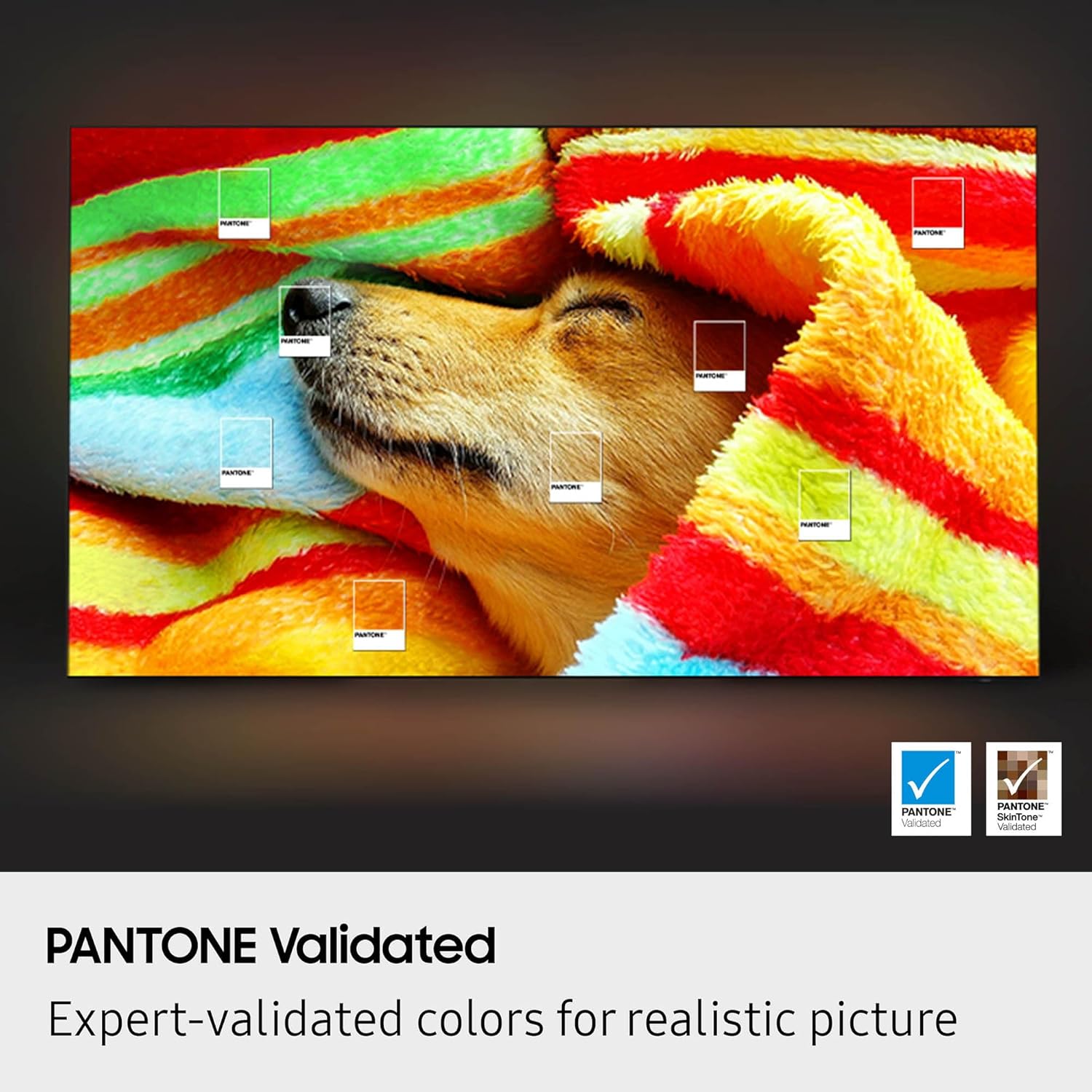
    4K AI Upscaling, Filmmaker Mode, NQ4 AI Gen2 Processor, OLED HDR, Pantone Validated

  • STANDING_SCREEN_DISPLAY_SIZE:

    76.6 Inches

안전한 결제를 보장하세요

제품 상세 정보
Self-illuminating pixels deliver bright, expert-validated color and the dramatic contrast of OLED, driven by our advanced AI processor. Experience a stunning picture with enhanced brightness and depth, all in a sleek design with a thin bezel. Dive into your content with Samsung Vision AI* experiences and immerse yourself in multi-dimensional audio with top-firing speakers. *Samsung Vision AI features vary by model; see individual model for more info. **Utilizes AI-Based formulas to upscale to 4K resolution. Resulting picture may vary based on source content.
고객 리뷰
4.20

(100 점수)

5
12
4
1
3
7
2
10
1
70
댓글 취소
댓글을 남겨주세요

16 논평

Hooked up to a PC with a RTX 4090 video card.Setup was extremely easy. The TV found my network instantly and started updating right away. After answering a few quick setup questions, it auto-detected my input source and I was on my PC desktop in no time :-)My Opinion:Brightness: 10/10Color Quality: 10/10 (insanely good)Black Levels: 10/10 (insanely good)Overall Picture Quality: 10/10I can’t comment on the sound quality since I use headphones and external speakers, but the TV detected that automatically and switched audio sources on its own (which made me smile).The only negative is "Navigating" with the remote.Going from PC Audio to TV External speakers is amazingly painful.Also changing Video input's is as equally as painful.Using this TV as a PC Monitor and for Gaming and watching 4K Movies, genuinely makes me smile.My Settings (from AI):Settings → Picture → Expert SettingsBrightness: 50Contrast: 45–47Sharpness: 0 (critical for PC text clarity)Color: 25Tint: 0Tip:To stop Smart Hub from launching automatically, press Home → Settings → General → Smart Features, then disable Autorun Smart Hub. This makes the TV start on the last used input (like HDMI) instead. After that, it boots instantly and is ready to go.Given the overall image quality, this TV is an incredible value for the money.Highly recommended!

Almost everything negative I have to say is specific to the user experience of the TV. This is a typical Samsung product: they try to insert their bloatware in the middle of everything you do. You are pushed to create a Samsung account just to use the TV during setup. You can bypass it, but if you were less tech savvy, this would probably be confusing rather than simply annoying and off-putting.You literally can’t even select the input of the TV without going through their awful OS. It’s a TV, not a smart phone, y’all. Why is it that you can’t put an input button on the remote like literally every other TV? One time the AppleTV disconnected, and we literally could not find it again in the inputs list without unplugging it and plugging it back into the TV. They offer a Samsung app for AppleTV that is also presented to you in their awful UI, but it is not the actual AppleTV *input*, so once again, it’s incredibly confusing and annoying for NO reason.The remote is minimalist garbage.Even the picture of the TV is not as good as their competitors. In every picture mode, the colors look blown out in a different way. I’ve owned other OLED TVs, and they had a much more accurate color profile than this one. I’ve had to manually adjust the color to make skin tones look natural. But please show me an oversaturated tropical bird in 4K, that’s useful.This panel also struggles with image quality when there is high visual frequency like the canopy of the jungle. You can see pixelation during otherwise smooth panning shots over such areas.Otherwise, the depth of color is your typical deep, rich OLED, and it does make video games look really great. Is it worth the price? Sure. I guess. But I would have paid more for a better more conventional TV experience. I don’t need middleware on my TV.

Buyer beware - This is the fault of Samsung and the buyer (me). I purchased this TV after reading the reviews iff Amazon. I knew that I wanted to get a QD-OLED panel from Samsung as opposed to a WOLED panel from Samsung.In my research and going to Best Buy to just see the display crispness, I viewed a 65 inch. When I received my 77 inch version of this model it did not seem to be as vibrant as what I saw in person using the demo mode of the TV. That’s when I found out that Samsung switched panel technology on the two larger sizes within the same model type, which is not advertised and hard to determine unless you really dig.The 55-inch and 65-inch models (North America): These sizes utilize QD-OLED (Quantum Dot-OLED) panels, which are known for their vibrant colors and higher brightness compared to traditional OLEDs.The 77-inch and 83-inch models (North America): These larger sizes use WOLED (White OLED) panels.

The picture quality is absolutely stunning, with deep blacks, vibrant colors, and incredible clarity. The sound is surprisingly good, the interface is smooth, and setup was quick and easy. Every movie and show looks amazing on it. Truly one of the best upgrades we’ve made to our home entertainment. Highly recommend!

Hooked up to a PC with a RTX 4090 video card.Setup was extremely easy. The TV found my network instantly and started updating right away. After answering a few quick setup questions, it auto-detected my input source and I was on my PC desktop in no time :-)My Opinion:Brightness: 10/10Color Quality: 10/10 (insanely good)Black Levels: 10/10 (insanely good)Overall Picture Quality: 10/10I can’t comment on the sound quality since I use headphones and external speakers, but the TV detected that automatically and switched audio sources on its own (which made me smile).The only negative is "Navigating" with the remote.Going from PC Audio to TV External speakers is amazingly painful.Also changing Video input's is as equally as painful.Using this TV as a PC Monitor and for Gaming and watching 4K Movies, genuinely makes me smile.My Settings (from AI):Settings → Picture → Expert SettingsBrightness: 50Contrast: 45–47Sharpness: 0 (critical for PC text clarity)Color: 25Tint: 0Tip:To stop Smart Hub from launching automatically, press Home → Settings → General → Smart Features, then disable Autorun Smart Hub. This makes the TV start on the last used input (like HDMI) instead. After that, it boots instantly and is ready to go.Given the overall image quality, this TV is an incredible value for the money.Highly recommended!

Wonderful tv!The image is very clear, clean and bright.100% satisfied with the purchase.

The picture quality is absolutely stunning, with deep blacks, vibrant colors, and incredible clarity. The sound is surprisingly good, the interface is smooth, and setup was quick and easy. Every movie and show looks amazing on it. Truly one of the best upgrades we’ve made to our home entertainment. Highly recommend!

Almost everything negative I have to say is specific to the user experience of the TV. This is a typical Samsung product: they try to insert their bloatware in the middle of everything you do. You are pushed to create a Samsung account just to use the TV during setup. You can bypass it, but if you were less tech savvy, this would probably be confusing rather than simply annoying and off-putting.You literally can’t even select the input of the TV without going through their awful OS. It’s a TV, not a smart phone, y’all. Why is it that you can’t put an input button on the remote like literally every other TV? One time the AppleTV disconnected, and we literally could not find it again in the inputs list without unplugging it and plugging it back into the TV. They offer a Samsung app for AppleTV that is also presented to you in their awful UI, but it is not the actual AppleTV *input*, so once again, it’s incredibly confusing and annoying for NO reason.The remote is minimalist garbage.Even the picture of the TV is not as good as their competitors. In every picture mode, the colors look blown out in a different way. I’ve owned other OLED TVs, and they had a much more accurate color profile than this one. I’ve had to manually adjust the color to make skin tones look natural. But please show me an oversaturated tropical bird in 4K, that’s useful.This panel also struggles with image quality when there is high visual frequency like the canopy of the jungle. You can see pixelation during otherwise smooth panning shots over such areas.Otherwise, the depth of color is your typical deep, rich OLED, and it does make video games look really great. Is it worth the price? Sure. I guess. But I would have paid more for a better more conventional TV experience. I don’t need middleware on my TV.

Buyer beware - This is the fault of Samsung and the buyer (me). I purchased this TV after reading the reviews iff Amazon. I knew that I wanted to get a QD-OLED panel from Samsung as opposed to a WOLED panel from Samsung.In my research and going to Best Buy to just see the display crispness, I viewed a 65 inch. When I received my 77 inch version of this model it did not seem to be as vibrant as what I saw in person using the demo mode of the TV. That’s when I found out that Samsung switched panel technology on the two larger sizes within the same model type, which is not advertised and hard to determine unless you really dig.The 55-inch and 65-inch models (North America): These sizes utilize QD-OLED (Quantum Dot-OLED) panels, which are known for their vibrant colors and higher brightness compared to traditional OLEDs.The 77-inch and 83-inch models (North America): These larger sizes use WOLED (White OLED) panels.

4.0 out of 5 stars Good for the price.
2026-02-19    -Carlos Vasquez Jr.

The AI feature is a little weird. It makes the things move funny. The picture's great. The sound is just ok. I have a 7.2 surround sound so I'm not that worried about the sound. For the price it's a great large TV.

댓글을 남겨주세요:

댓글 제목
댓글 내용
배송 및 반품
우리가 당신을 보호하겠습니다

대부분 지역에서는 배송비를 한 번만 지불하시면 됩니다 (주문 및 배송 페이지를 확인해 주세요).

구매 후 14일 이내 무료 반품 가능 (단, 수명이 다한 제품, 맞춤 제작 상품, 마스크, 향수 및 에어로졸과 같이 위험하거나 인화성 물질이 포함된 일부 제품은 제외).

수입 관세 정보

복잡한 절차는 저희가 처리해 드리겠습니다. 카나리아 제도를 제외한 모든 EU 국가, 영국, 미국, 캐나다, 호주, 뉴질랜드, 푸에르토리코, 스위스, 싱가포르, 한국, 쿠웨이트, 멕시코, 카타르, 인도, 노르웨이, 사우디아라비아, 대만, 태국, UAE, 일본, 브라질, 맨섬, 산마리노, 콜롬비아, 칠레, 아르헨티나, 이집트, 레바논, 홍콩 특별행정구, 바레인, 터키로 배송되는 상품 가격에는 모든 수입 관세가 포함되어 있습니다. 표시된 가격이 최종 결제 금액입니다.

예상 배송 시간

특급 배송: 7-10일

해당 창고에서 배송되었습니다.

더 자세한 정보가 필요하신가요?
반품 정책
반품 정책

저희는 제품 품질에 자신 있습니다. 만약 구매하신 제품에 완전히 만족하지 못하신다면, 수령일로부터 30일 이내에 간편하게 반품하실 수 있도록 정책을 마련해 두었습니다.

간편한 교환 또는 환불
  • 다른 사이즈, 색상 또는 스타일의 상품으로 교환하거나 전액 환불받을 수 있습니다.
  • 반품되는 모든 상품은 착용하지 않은 상태여야 하며, 원래 포장 상태 그대로 모든 태그가 손상되지 않은 상태여야 합니다.
간단한 절차
  • 온라인으로 반품을 신청하거나 고객 서비스 팀에 문의하여 도움을 받으실 수 있습니다.
  • 물품을 제대로 포장해 주시고, 원래의 포장 목록도 함께 넣어주세요.
  • 반품하실 상품을 보내주실 때에는 저희가 제공해 드린 선불 배송 라벨을 사용해 주시기 바랍니다.
  • 환불 요청 접수 즉시 처리해 드리겠습니다.

반품과 관련하여 궁금한 점이나 우려 사항이 있으시면 언제든지 저희 전문 고객 서비스 팀에 문의해 주세요. 고객 만족은 저희의 최우선 목표입니다.

범주
차이
제품
모든 제품 지우기